 Cranking out Good Code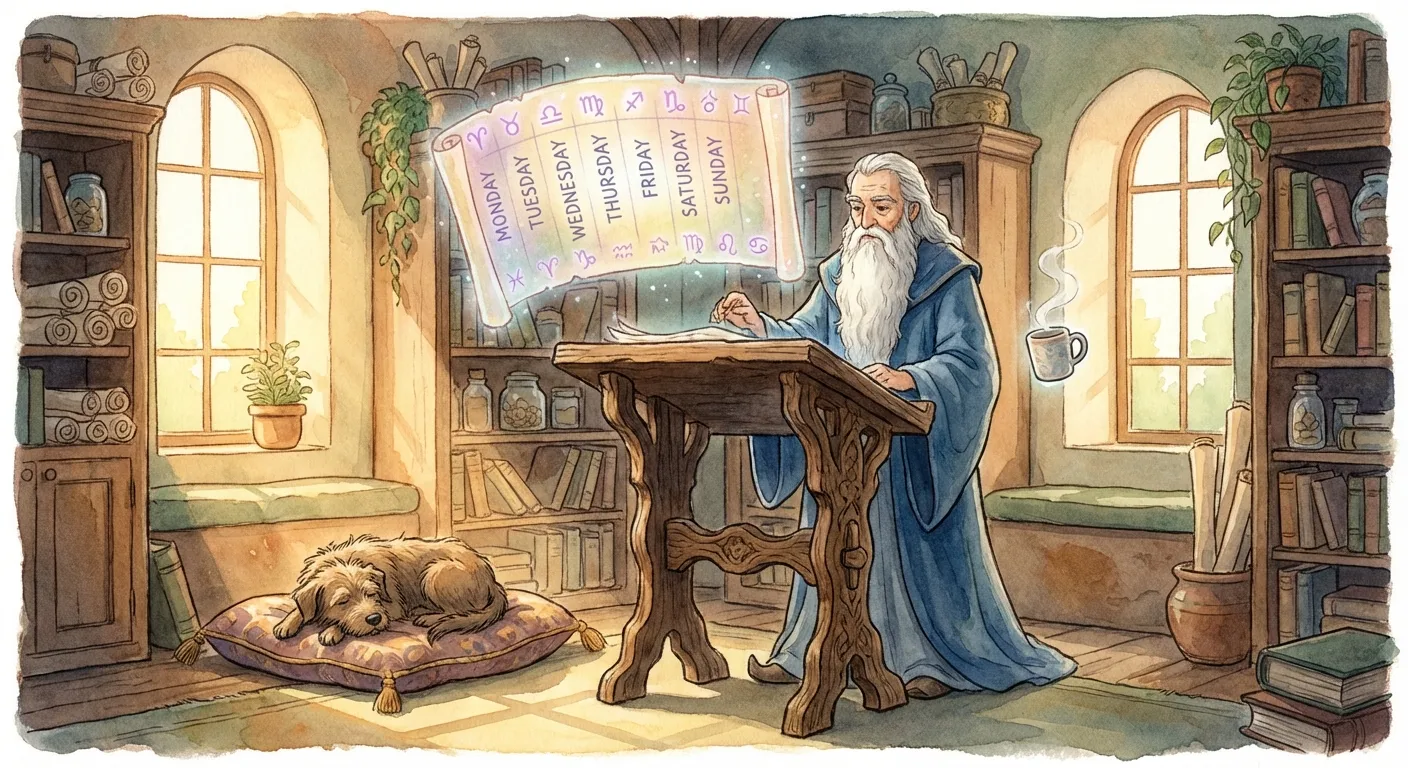
Most AI tools are reactive. They wait for you to remember what to ask, paste context, and then you still have to do the follow-through.
What I wanted was something closer to an always-on assistant: small bits of work on a schedule, notes kept up to date, and concise updates delivered where I already communicate.
Here’s the thing: just a week before discovering OpenClaw, I was wiring together my own version—Slack messages to a local Claude Code instance, with access to my git repos. Then OpenClaw showed up and it was basically the same idea, productized. That’s the pattern I keep noticing: when certain technologies converge, multiple people arrive at the same solution at the same time.
This post is about what happens when you actually live with a proactive agent. (For the architectural deep-dive, see From Scripts to Proactive Agents.)
I named my assistant BobWizard. Not because naming things is necessary, but because giving it a consistent persona changed how I interact with it—and how it responds.

The Persona Makes a Difference
BobWizard has a SOUL.md file that defines its personality:
- Calm and reliable — no hype, no speculation
- Dry wit — keeps things human without being annoying
- Succinct by default — respects my time
- Says “I don’t know” plainly — doesn’t hallucinate confidence
This isn’t just flavor. When the assistant has a consistent voice, conversations feel less like wrestling with a tool and more like delegating to someone who gets it.
The Email Delegation Pattern
One of the most useful patterns I’ve landed on: a dedicated assistant email account.
Here’s how it works:
- I created a separate email address (something like
assistant@mydomain.org) - My primary inbox forwards all mail to the assistant account
- BobWizard can read the assistant inbox freely
- It can draft replies and send from the assistant address
- I still control my primary inbox—the assistant has read-only visibility
Why this matters:
- No credential sharing — the assistant never touches my primary account
- Clear audit trail — I can see exactly what the assistant processed
- Safe experimentation — if something goes wrong, blast radius is limited
The assistant now triages incoming mail, extracts unsubscribe links from junk, and alerts me to anything time-sensitive.
Security Scanning: Keeping Things Locked Down
One of BobWizard’s scheduled jobs is a periodic security scan across my infrastructure.
The setup:
- An Obsidian vault with a
Security/Scans/folder - Each scan result is a markdown file with structured frontmatter
- Fields: target, scan type, findings, severity, remediation status
What the assistant does:
- Runs scheduled scans against my domains and services
- Monitors for certificate expirations and DNS changes
- Sends me weekly security summaries
- Flags anything urgent via Telegram immediately
The key insight: the assistant doesn’t make decisions for me. It removes friction so I can focus on the decisions that matter.

Calendar Awareness
Every morning at 6:05 AM, I get a Telegram message:
☀️ Good morning! Here’s your day:
Today — Monday, Feb 9
1:00 PM - Call with Tessa Saxe (30 min) 5:00 PM - Deep work block
📌 Heads up: Light morning, deep work this afternoon. Focus time blocked.
This uses Google Calendar via a CLI tool, runs on a cron schedule, and delivers via Telegram. Simple pieces, powerful result.
Fitness Booking Automation
I work out at Life Time Fitness. Classes book up fast.
BobWizard has a skill that:
- Checks my calendar for open workout slots
- Finds matching classes at my preferred gym
- Books via browser automation (Chrome relay)
- Adds the booking to my calendar
- Logs everything for tracking
I still have to approve bookings manually (browser automation requires me to attach the tab), but the research and coordination happens automatically.
Daily Art Generation
This one is just for fun.
Every morning at 6:00 AM, BobWizard generates a piece of AI art and sends it to me via Telegram. The style rotates by day of the week:
- Monday: Watercolor landscapes
- Tuesday: Studio Ghibli style
- Wednesday: Pixel art
- Thursday: Oil painting
- Friday: Pencil sketch
- Saturday: Impressionist
- Sunday: Fantasy illustration
The images land in my Obsidian vault, creating a growing gallery.

The Heartbeat Pattern
Beyond scheduled jobs, BobWizard runs “heartbeats” — periodic check-ins every 30 minutes or so.
During a heartbeat, it:
- Checks for urgent emails (security alerts, time-sensitive)
- Looks at upcoming calendar events
- Decides whether to alert me or stay quiet
If nothing needs attention: silence. If something does: a quick ping.
This is the difference between a tool I have to remember to use and an assistant that watches the things I’d otherwise forget.
The Stack
For the curious, here’s what’s running:
- OpenClaw — the agent framework (scheduling, messaging, tool orchestration)
- Claude Opus — the underlying model
- Telegram — primary interface (I can message from my phone)
- Obsidian — system of record (notes, security scans, research)
- Google Workspace CLI (gog) — calendar and email access
- Trello — task tracking for longer projects
- Dedicated Mac — runs 24/7, isolated environment
Total cost: roughly the API usage plus a Mac I already owned.
What I’ve Learned
1. Persona matters. A consistent voice makes the assistant feel reliable.
2. Email delegation is powerful. Don’t give AI your primary credentials. Set up a read-through pattern instead.
3. Start with one workflow. Security monitoring was the forcing function. Everything else grew from there.
4. Proactive beats reactive. The value isn’t in asking questions—it’s in not having to remember to ask.
5. Keep humans in the loop. BobWizard drafts, suggests, and prepares. I approve and send.
BobWizard isn’t magic. It’s just the right primitives wired together with a bit of personality.
That said, having a calm, reliable assistant that actually does things has changed how I work more than any other tool this year.
🧙